
Heat press sizing and placement tools
Enter garment or tumbler dimensions and get decal size, placement, wrap size, copyable output, printable guides, and downloadable result cards.
Choose by task
Start from the job in front of you, then move into the calculator, worksheet, or template that matches the next production step.
What this site can calculate
PressMeasure is a sizing and placement workspace for heat press projects. It helps you turn a vague production question into a measurable starting point: how wide a shirt decal should be, how far a left chest logo should sit from the center line, whether a DTF transfer is too large for the selected garment, how much clearance a hoodie pocket or zipper needs, and what wrap size to test on a sublimation tumbler. You enter the garment, blank, transfer, or tumbler measurements and get a copyable result, printable guide, or downloadable note for the job folder.
The site is built for crafters, Cricut and Silhouette users, HTV sellers, DTF transfer users, sublimation tumbler makers, embroidery decorators, and Etsy sellers who need practical production notes without opening a spreadsheet. A beginner can use the preset charts to avoid obvious sizing mistakes. A seller can use the calculators to keep repeat orders consistent. A heat press operator can print a compact guide for the workbench and copy the final result into order notes. The values are intentionally written as starting points because real blanks vary by brand, cut, fabric, pocket position, zipper bulk, seam thickness, taper, and customer preference.
How PressMeasure is different
Many heat press resources are fixed charts, long blog posts, marketplace listings, or downloadable templates with no way to adjust for a real blank. PressMeasure keeps the tool at the top of the page and then explains the rule behind the output. That means the page is useful even before the explanatory content: you can choose inches or centimeters, enter a design ratio or measured width, and see the result immediately. The content below each tool explains how to use the result, gives worked examples with numbers, lists common mistakes, and links to related tools so the next production decision is easy to find.
The calculators are not presented as universal truth. An adult T-shirt, youth shirt, hoodie, polo, work shirt, tote bag, mug, and tapered tumbler can all require different checks. Every chart and helper reminds you to measure the actual garment or blank before production. That is the main difference from copied size charts: the site gives a practical measurement workflow, not a promise that one number fits every product. When a result looks too large, the page explains what to reduce and what to test before pressing.
All heat press, DTF, HTV, and sublimation tools
Use these entries as a map of the site. Each card opens a page with a visible tool, size chart, printable reference, or seller calculator.
 HTV placement
 DTF transfer placement
 Sublimation tools
 Tumbler wrap templates
Printable guides
Start with the printable HTV guide, then use the calculators for shirt size, left chest, sleeve, and tumbler dimensions.
Open printable guideTemplates and seller pricing
Print free placement charts, download SVG alignment guides, and estimate rough Etsy product pricing before building a listing.
How to choose the right tool
Start with the product you are decorating. For T-shirts, use the shirt decal size chart when you need a front, back, left chest, sleeve, or pocket starting size. Use the HTV placement calculator when you already know the design width and height and want to check fit and collar drop. Use the left chest logo size chart and placement tool when you need a small-logo size, shoulder seam reference, center line offset, pocket adjustment, and a printable reference.
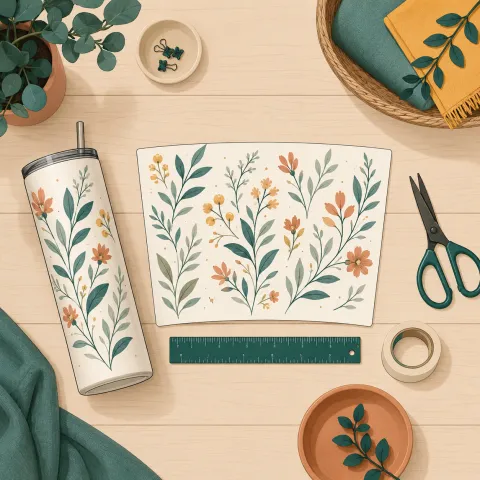
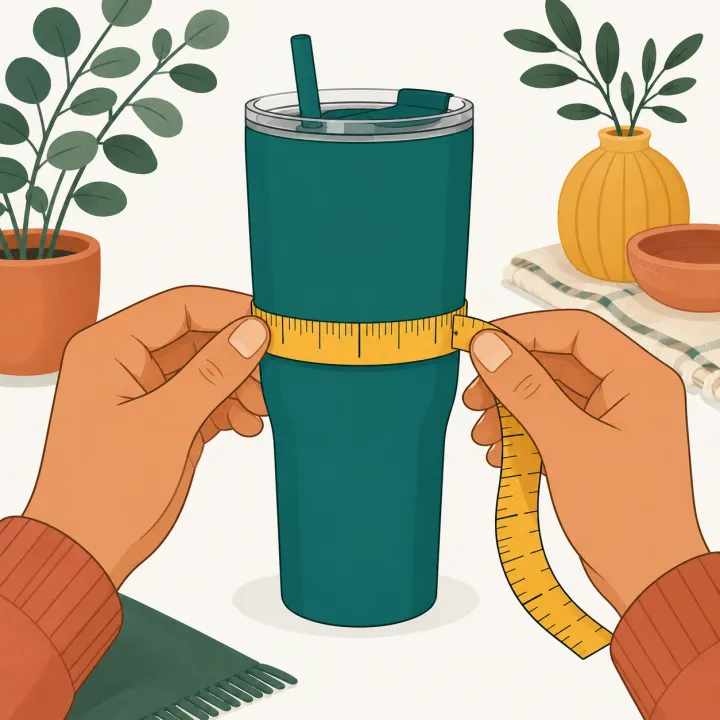
For DTF, use the transfer size chart before ordering or arranging gang sheets, then use the DTF placement calculator when the transfer already exists and you need to decide if it fits the garment. For sublimation, use the shirt placement chart for apparel and the tumbler wrap size chart calculator when you are comparing 20 oz, 30 oz, 40 oz, mug, tapered, or handled drinkware sizes. If the tumbler is tapered, handled, or unfamiliar, test with a paper wrap. For seller work, use the Etsy pricing calculator after the design and placement are clear, because labor time and material cost are easier to estimate once the production method is known.